Tablelizer
Convert PDF Tables to CSV in Seconds
· 1 min read
In this newsletter:
Introducing Tablelizer - our new PDF-to-CSV converter (XoSelf.com/Tablelizer)
How Mistral's OCR technology powers the experience
Free trial of XoSelf.com (exclusive invite code: "invite-sub")
Hey there,
I'm excited to share our latest tool that might save you hours of tedious data work.
Meet Tablelizer
We've just launched Tablelizer - a streamlined web app that extracts tables from your PDFs and converts them into clean CSV files with just a few clicks.
If you've ever had to manually copy data from PDFs into spreadsheets (we've all been there), this tool is for you.
Powered by Mistral's OCR Technology
What makes Tablelizer special is that it's built on Mistral's newly released OCR model. Their technology excels at recognizing text in PDFs, even when dealing with complex layouts and formatting that typically cause other tools to fail.
How It Works (It's Simple)
Upload your PDF containing tables
Mistral's OCR processes and extracts the content
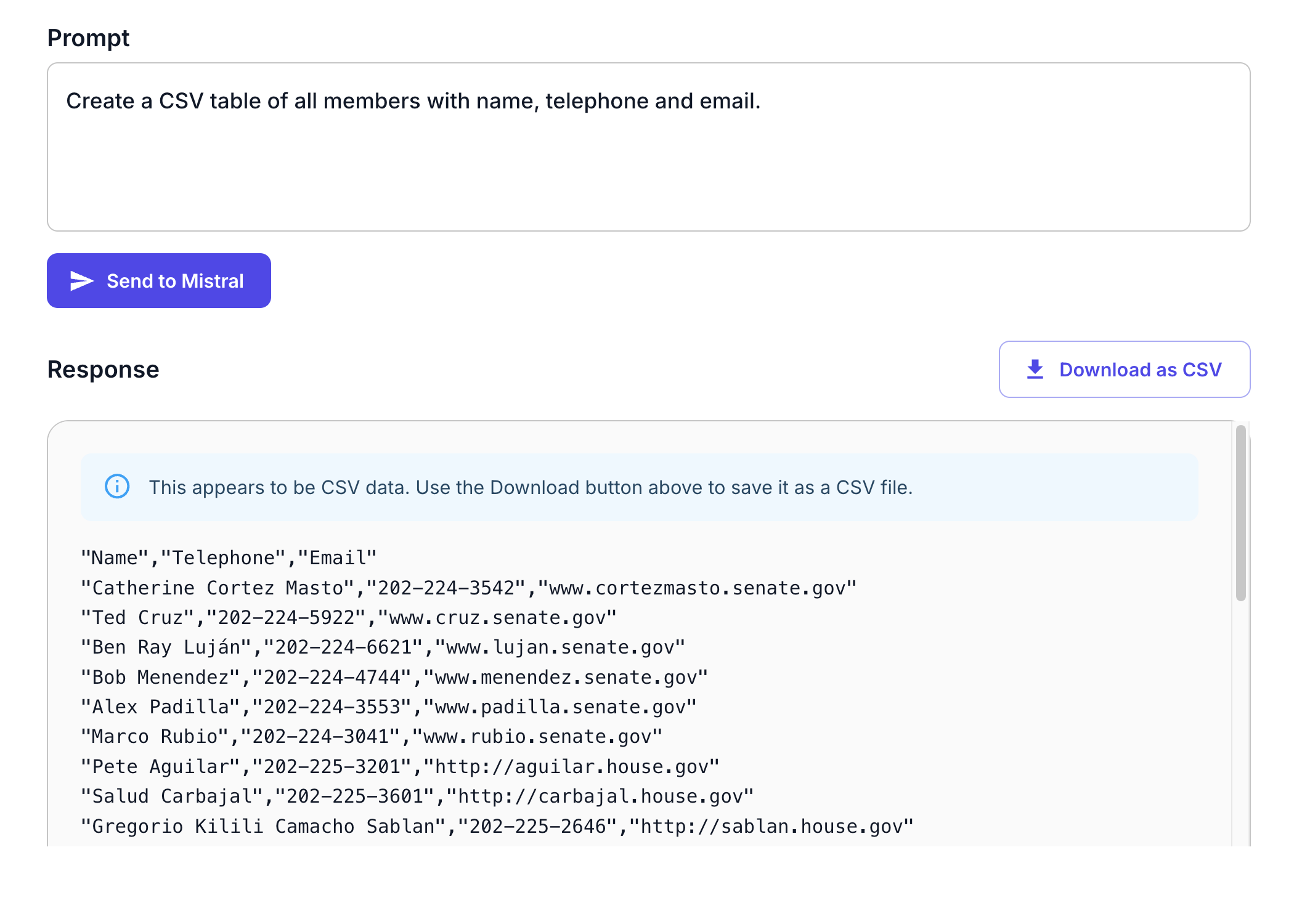
Use the AI chat interface to request specific data from your PDF
Download the CSV file ready for Excel, Google Sheets, or any data analysis tool
The best part? Tablelizer is completely free - try it out at xoself.com/table
Want to explore more?
Sign up for a free XoSelf account using the invitation code "invite-sub" to access all our tools. We’re still looking for feedback from early users!
XoSelf.com/register
Would love to hear from you if you give it a try! Send comments to support@xoself.com
Stay Updated
Subscribe to get more insights delivered to your inbox.
Originally published on Substack.